


Introduction: Browsing with Intelligence
Imagine your web browser doing more than just opening pages — what if it understood what you’re trying to do and helped you complete tasks? That’s the idea behind Neo Browser — a new kind of browser where AI works beside you, not just inside you. (neotoday.ai)
Neo isn’t just another Chrome clone. It’s been rebuilt around smart features, strong security, and privacy-oriented design. In this guide, we take you through everything you need to know. By the end, you’ll know whether Neo fits your web life.
What Is Neo Browser?
Neo Browser is a modern, AI-first web browser that blends classic browsing with smart assistance. Instead of just showing web pages, Neo helps you search, summarize, organize, and complete tasks faster with built-in AI tools. (neotoday.ai)
Pros
- AI tools ready out of the box
- Powerful tab and task management
- Built-in security (no extra plugins needed)
Cons
- Still in early rollout — some features are limited
- AI tools may take a moment to learn for new users
New AI Feature – RTRVR AI Review: 2026 The First Glimpse of Real Automation Browser AI That Works Like a Real Human
What Makes Neo Different From Regular Browsers?
Most browsers today simply load pages and leave the rest up to extensions or apps. Neo reimagines that experience by placing AI at the center of everything you do — unified search and chat, smart summaries, automatic tab organization, and proactive suggestions. (neotoday.ai)
In contrast to older browsers, Neo aims to make your web experience more helpful rather than just functional.
Neo Browser – Platforms and Compatibility
Neo supports:
- Windows desktops
- macOS desktops
- Mobile support is coming soon (iOS and Android) (neotoday.ai)
It’s designed to grow with your digital life, whether at work, school, or play.
Pros
- Works on major desktop systems
- Sync options for bookmarks and settings
Cons
- No official mobile app yet (but expected soon)
Can You Use Chrome Extensions With Neo?
Yes! Neo is built on the Chromium engine, so it works with most Chrome extensions. This means you can keep tools like password managers or productivity extensions without losing the benefits of Neo’s smart features. (neotoday.ai)
Pros
- Easy transition from Chrome
- Most favorite extensions will continue to work
Cons
- A tiny number of extensions may behave differently
Is Neo Browser Free to Use?
Yes — the core Neo Browser is free to download and use. While optional premium features may arrive later, Norton has committed to keeping the main browser freely accessible. (neotoday.ai)
Pros
- Free for everyday users
- No forced subscription to access basic tools
Cons
- Premium plans may be introduced later
How Neo Browser Protects Your Privacy and Data

Privacy is one of Neo’s main pillars. Here’s how it handles your data:
- Only minimal data is shared with servers — most browsing info stays on your device. (neobrowser.ai)
- Personal data is used only to deliver features you choose (like AI summaries).
- Neo does not sell your data to advertisers. (neotoday.ai)
- Regular browsing history remains local unless you choose to sync or share it.
Pros
- Strong privacy-first design
- Users control what is saved or processed
Cons
- Some cloud-based features require sending limited data to servers
Security Related Topic – Is Your Phone Number at Risk? A Complete U.S. Guide (2025 Update)
Is Neo Browser Tracking Ads?
No. Neo does not track your browsing history for advertising or profiling. Its privacy defaults block trackers and intrusive ads without needing extra tools. (neotoday.ai)
Pros
- Cleaner browsing experience
- No hidden ad tracking
Cons
- Some websites that rely on ads may not display content as intended
Is Neo Browser Safe From Malware and Phishing?
Absolutely — Neo has built-in security features like Norton WebShield, which helps block harmful sites and phishing attempts before you even click them. (Gen Digital Newsroom)
This gives you peace of mind while browsing without always relying on third-party security extensions.
Pros
- Protection from malicious sites
- AI-powered defenses
Cons
- No antivirus replacement — just browser protection
How Neo Browser Boosts Productivity
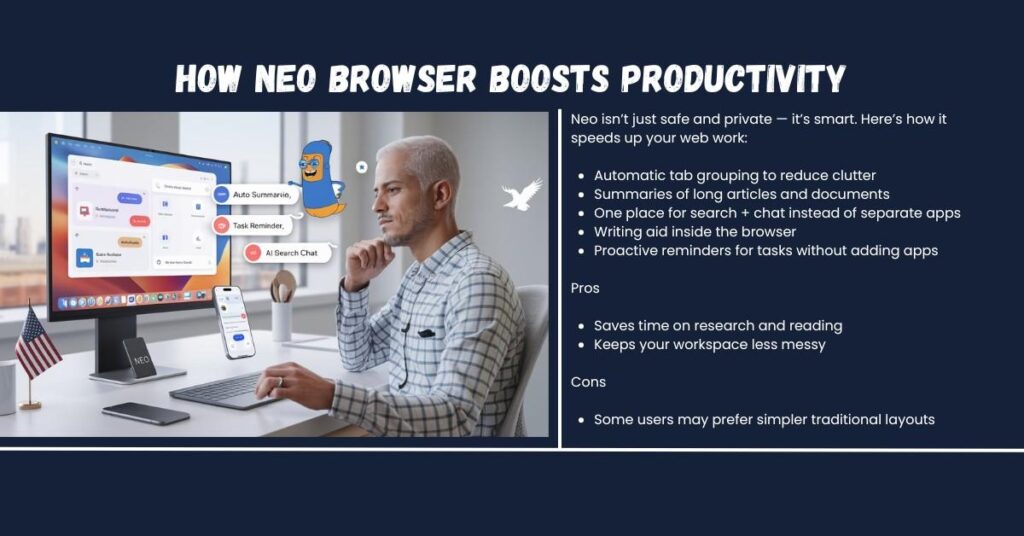
Neo isn’t just safe and private — it’s smart. Here’s how it speeds up your web work:
- Automatic tab grouping to reduce clutter
- Summaries of long articles and documents
- One place for search + chat instead of separate apps
- Writing aid inside the browser
- Proactive reminders for tasks without adding apps (neotoday.ai)
Pros
- Saves time on research and reading
- Keeps your workspace less messy
Cons
- Some users may prefer simpler traditional layouts
Importing Bookmarks and Syncing Tools
If you’re switching from another browser, Neo makes it easy to import:
- Bookmarks
- Saved passwords
- Browsing history
You can bring these from Chrome, Firefox, or Edge with just a few clicks. (neotoday.ai)
Pros
- Simple setup when switching
- Keeps your browsing life intact
Cons
- Rare edge cases where some history may not transfer
SEO Related Topic – What Is LLMs.txt And Why It Matters for AI-Driven SEO 2026
Neo Browser – Updates and Feedback
Neo Browser is updated regularly in the background to bring performance improvements, new AI features, bug fixes, and security upgrades—keeping your experience fresh and secure. (neotoday.ai)
If you find a bug or want to suggest improvements, you can send feedback through the browser’s built-in tool.
Pros and Cons of Using Neo Browser
| Pros | Cons |
| Smart AI integration | Still early in its evolution |
| Strong privacy focus | Mobile support coming later |
| Works with Chrome extensions | Some advanced features may be optional |
| Built-in security tools | AI features may take learning |
| Easy import from Chrome/Edge | Occasional cloud processing needed |
Neo vs Chrome vs Edge vs Safari — Browser Comparison (2026)
| Feature | Neo (AI-Native) | Google Chrome | Microsoft Edge | Apple Safari |
| AI Integration | Built-in context-aware AI for search, summaries, and tasks (Magic Bar) (neotoday.ai) | Basic AI features via integrated Google tools (e.g., Gemini) (browserbeast.com) | Integrated Copilot AI tools planned/rolling out (TechRadar) | Limited AI tied to Apple ecosystem (browserbeast.com) |
| Privacy & Tracking Protection | Blocks ads & trackers by default; minimal data collection and local storage options(neotoday.ai) | Partial tracker blocking; data shared with Google services | Good tracking protection with SmartScreen; tied to Microsoft services | Strong tracker blocking by default; privacy focus (DigiPix Inc.) |
| Security Features | Norton WebShield protects from phishing & malware (XDA Developers) | Google Safe Browsing blocks threats | Defender SmartScreen & security upgrades | Built-in security with Apple platform integration |
| Extension Support | Compatible with most Chrome extensions (neotoday.ai) | Largest extension library (~180k+) (DigiPix Inc.)) | Supports Chrome extensions + Edge store (DigiPix Inc.) | Curated extension ecosystem; smaller library |
| Platforms Supported | Windows, macOS (mobile coming soon) (neotoday.ai) | Windows, macOS, Linux, Android, iOS | Windows, macOS, Android, iOS (Microsoft Learn) | macOS, iOS only (DigiPix Inc.) |
| Synchronization (Bookmarks, Tabs) | Supported (import from other browsers) | Excellent sync across devices | Syncs well with Microsoft account | Seamless within Apple ecosystem |
| AI Summaries & Smart Workflows | Yes — built-in summarizer and workspace management (Knowlab) | Limited without extensions or separate tools | Some AI features (Copilot) but not focused on summaries (TechRadar) | No native AI summaries |
| Tab Management & Productivity Tools | Auto-grouping, task context & AI help (Julian Goldie) | Basic tab management tools | Tab grouping and productivity features | Basic tabs; fewer productivity features |
| Open Source | No (uses Chromium core) (neotoday.ai) | Yes (Grokipedia) | No (Chromium-based) (Grokipedia) | No (WebKit based) (Grokipedia) |
| Best For | Smart browsing with AI help & privacy | General use, large extension ecosystem | Windows users and Microsoft ecosystem | Apple ecosystem users |
Notes on the Comparison
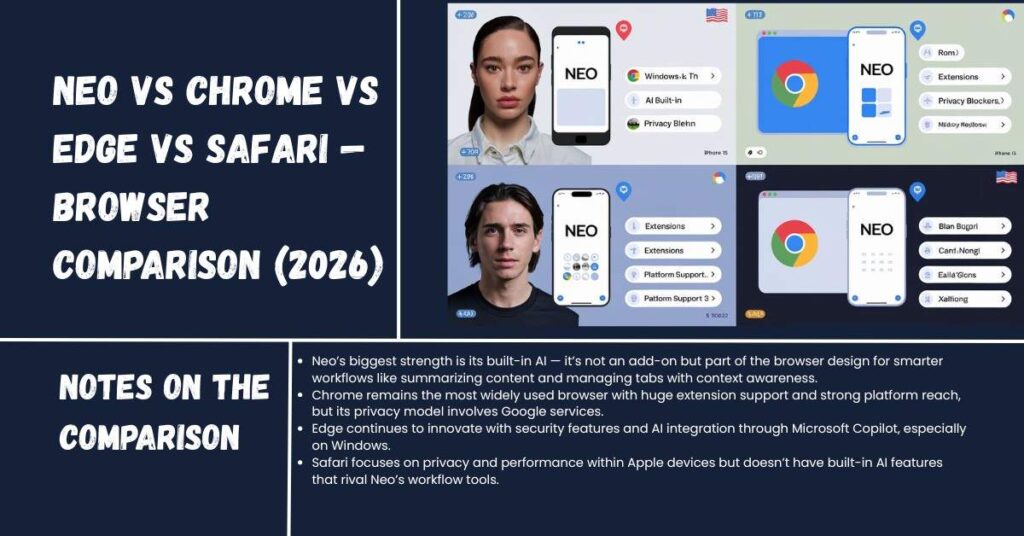
- Neo’s biggest strength is its built-in AI — it’s not an add-on but part of the browser design for smarter workflows like summarizing content and managing tabs with context awareness. (neotoday.ai)
- Chrome remains the most widely used browser with huge extension support and strong platform reach, but its privacy model involves Google services. (DigiPix Inc.)
- Edge continues to innovate with security features and AI integration through Microsoft Copilot, especially on Windows. (TechRadar)
- Safari focuses on privacy and performance within Apple devices but doesn’t have built-in AI features that rival Neo’s workflow tools. (DigiPix Inc.)
Final Thoughts — Should You Try Neo Browser?
Neo is not just another browser — it’s a smart, privacy-first browser designed for the age of AI. If you want a browsing experience that helps you get work done, stays private, and keeps your web sessions clean, Neo is worth exploring.
Whether you’re a student, a professional, or someone who just wants a smoother web experience, Neo offers a fresh way to surf the web without the distraction and clutter of traditional browsers.
Verdict: Strong pick for future-focused users who want more than just browsing — they want browsing that works for them. (neotoday.ai)



Pingback: Artificial Intelligence In 2026 Isn’t Just Hype — Ultimate Real Business Impact