


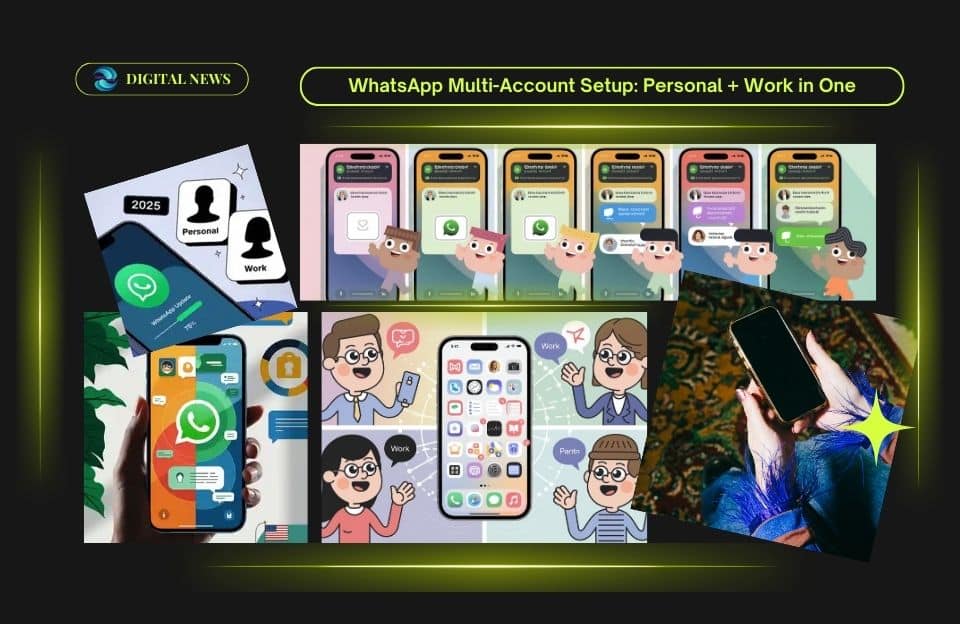
Two WhatsApp Accounts on One Phone
Imagine this: you wake up in the morning, grab your phone, and see work messages and personal chat bubbles — but in two separate spaces. No more mixing up work calls with family texts. Sounds nice, right? That’s exactly what using multiple WhatsApp accounts on one phone lets you do.
In this guide, I’ll walk you through how to set up two WhatsApp accounts on one device, what you need, and how to keep things secure. If you’ve ever wished for “work-mode” and “personal-mode” on your phone, you’re in the right place.
What Changed: WhatsApp’s Official Multi-Account Update

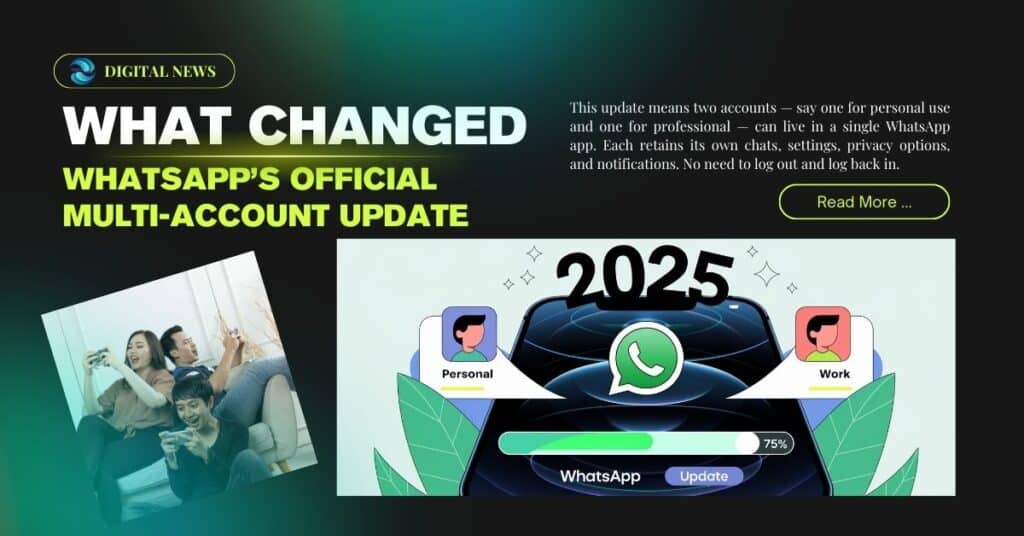
Not long ago, if you wanted two WhatsApp numbers, you had to carry two phones — or rely on risky app clones. That era is mostly gone. In late 2023, WhatsApp rolled out an official multi-account feature for Android users. (About Facebook)
This update means two accounts — say one for personal use and one for professional — can live in a single WhatsApp app. Each retains its own chats, settings, privacy options, and notifications. No need to log out and log back in. (India Today)
For many, this is a game-changer: less hassle, fewer devices, and clearer boundaries between different parts of life.
Our Latest Post: n8n Expert Before 2026 — Ultimate Beginner-Friendly Study Guide
Step-by-Step: How to Set Up a Second Account
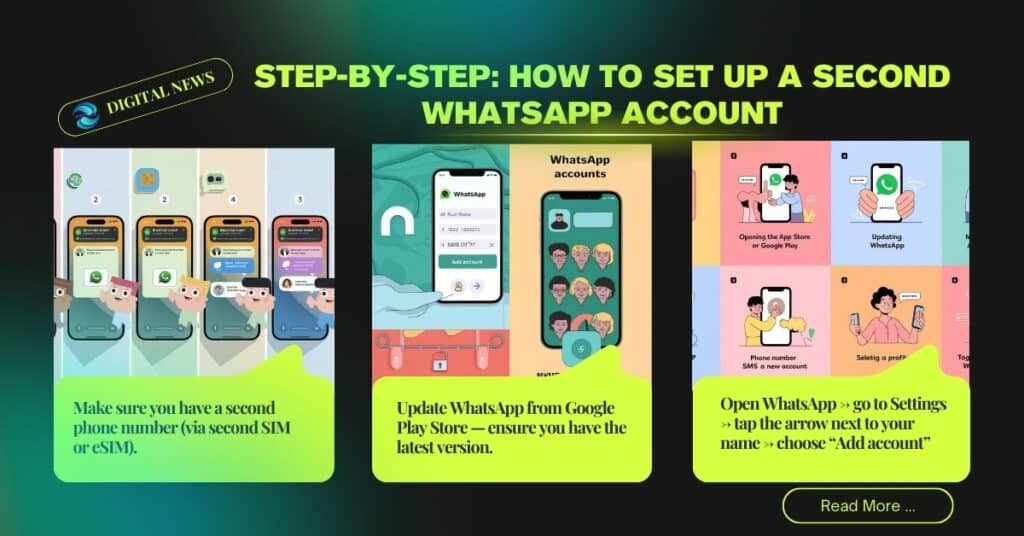
Here is how to get a second account up and running on your Android phone (as of 2025).
| Step | What to Do |
| 1 | Make sure you have a second phone number (via second SIM or eSIM). (Indiatimes) |
| 2 | Update App from Google Play Store — ensure you have the latest version. |
| 3 | Open WhatsApp → go to Settings → tap the arrow next to your name → choose “Add account”. (About Facebook) |
| 4 | Enter the second number; verify via SMS/OTP. |
| 5 | Add your profile info (name, photo, etc.) — or skip and do it later. (The Times of India) |
| 6 | Customize settings (privacy, notifications) separately for each account. (Gadgets 360) |
Once done, you’ll be able to switch between accounts from within the same app — no logout or re-login needed.
Pro tip: Give each account a different notification tone or label (like “Work” and “Personal”). It helps avoid embarrassing cross-overs.
Trending Post – 9 Ways How to Use ChatGPT for Blogging: Ultimate Use for 2026
When the Official Feature Isn’t Available — What You Can Do Instead

Sometimes your phone might not yet show the “Add account” option. Maybe the update hasn’t reached your region, or your device isn’t compatible with dual SIM/eSIM. In that case, some people use alternate methods — though they come with trade-offs.
- Many Android phone brands (Samsung, Xiaomi, Oppo, Vivo, etc.) offer “Dual Apps” / “App Clone” / “Parallel Apps” features. These create a second instance of App — each tied to a different number. (Gadgets 360)
- Other users turn to third-party cloning tools or modified WhatsApp versions. This sometimes works — but it’s risky. Such versions may not be secure. Additionally, using unofficial apps may violate App’s terms and might get your account banned. (TechPP)
Important caution: If possible, always prefer the official method inside WhatsApp. Cloned or modified apps can be insecure and unreliable.
Who Gains Most from Having Two WhatsApp Accounts
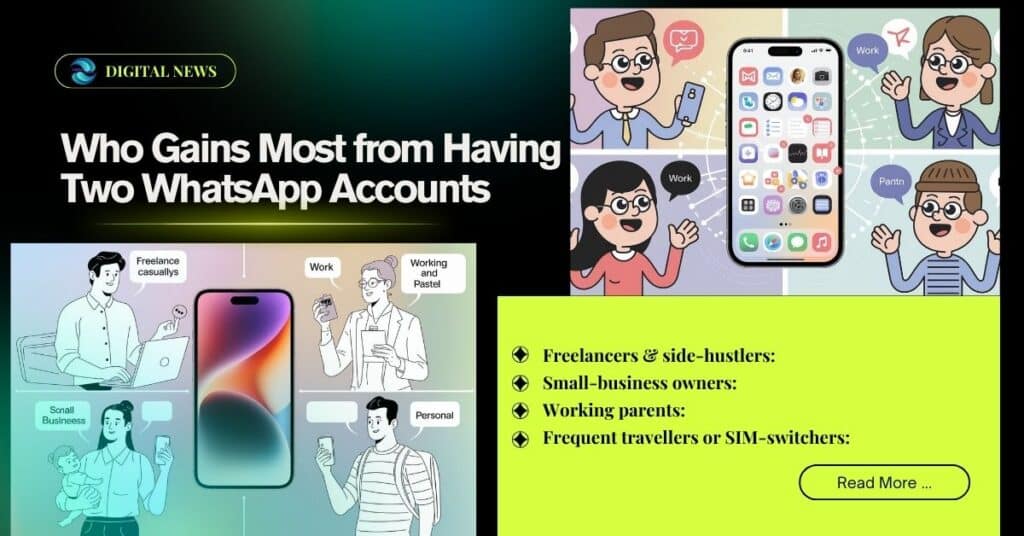
Using two accounts on one phone isn’t for everyone — but lots of people can benefit. Here are some real-life scenarios:
- Freelancers & side-hustlers: You can keep clients on one number and friends on the other. Less chaos, more clarity.
- Small-business owners: Manage orders, suppliers, and customers from one account; family and friends from another.
- Working parents: Separate work-related group chats from family messages — helps set boundaries, especially after work hours.
- Frequent travellers or SIM-switchers: If you swap between local and international SIMs, you can keep both numbers active without juggling phones.
In my own experience, I once used two numbers — one for personal chats, one for a side project. It felt like having a “digital office” inside my phone. No need for a second device.
Enjoy with – Max App Streaming Review 2025: Full How-To, Pricing, Pros & Cons Explained
Safety & Privacy: What You Should Watch Out For
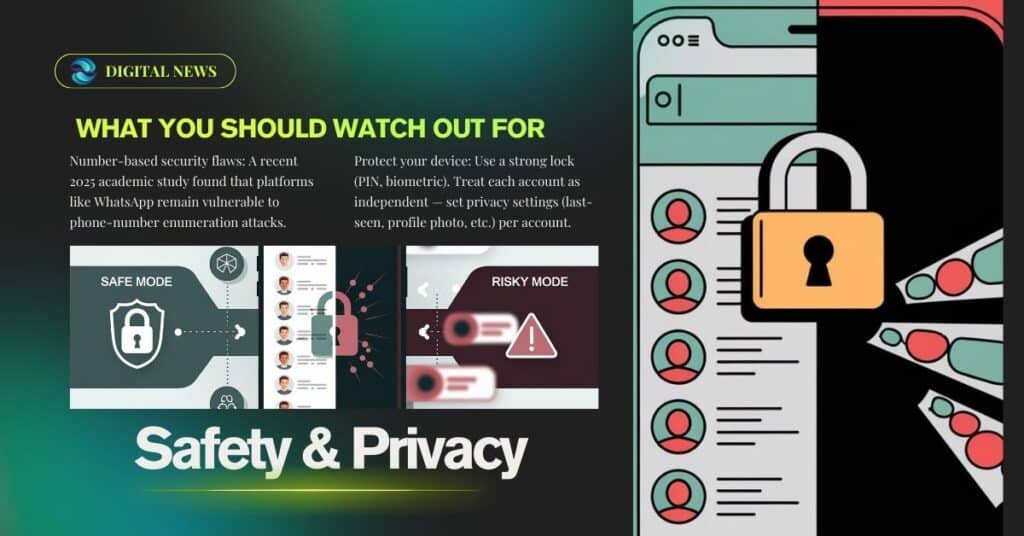
Convenience is great — but let’s be real. More convenience can bring more risk if we’re not careful. Here’s what to keep in mind:
- Number-based security flaws: A recent 2025 academic study found that platforms like WhatsApp remain vulnerable to phone-number enumeration attacks. (arXiv)
- Use official app only: Avoid clones and unofficial versions — they may expose your chats, contacts, or data. (TechCrunch)
- Protect your device: Use a strong lock (PIN, biometric). Treat each account as independent — set privacy settings (last-seen, profile photo, etc.) per account.
- Be cautious with backups: This App does not clearly state how dual-account backups are handled. If you back up both accounts to one cloud account, media and chats might mix. (Some users report this when using dual apps or clones.) (Reddit)
FAQ — People Also Ask

Can I use two WhatsApp accounts on one phone?
Yes — if you have a dual-SIM or eSIM phone and have updated WhatsApp, you can add a second number via the “Add account” option. (About Facebook)
Do I need a separate SIM or phone number for the second account?
Yes — each WhatsApp account needs its own verified number. That usually means a second SIM or eSIM. (India Today)
Will both accounts get notifications separately?
Yes, once the second account is set up, notifications and privacy settings work independently per account. (Gadgets 360)
What if my phone doesn’t support the official multi-account feature yet?
You could use the phone’s built-in “Dual Apps” / “App Clone” option (if offered) — or use a second app (like WhatsApp Business) — but be cautious about security and account rules. (Gadgets 360)
Is using a cloned or modded WhatsApp app a good idea?
Generally, no. These unofficial apps can expose your data to risks and may violate App’s terms — risking bans. (TechPP)
Will chat backups remain separate for each account?
Maybe — but official guidance is unclear. Some users report media and chats mixing when backing up both accounts to the same cloud storage. (Reddit)
Can I have more than two accounts on one phone?
Officially, WhatsApp supports two accounts on one device. Some cloning tricks claim more, but those come with higher risks. (Android Authority)
Does this work on iPhone too (iOS)?
As of late 2025, official multi-account support is fully available on Android. iOS users may have to wait or rely on workarounds (like Whats-App Business). (The Times of India)
Conclusion & What You Should Do Next
Setting up two WhatsApp accounts on one phone is no longer a tech hack — it’s official and supported. If you want to keep work and personal life neatly separated, this feature can simplify things big time.
Here’s what you should do next:
- Update App to the latest version
- Ensure you have a second phone number (SIM or eSIM)
- Use Settings → Add account to set up the second account
- Enable strong device lock + per-account privacy settings
- Avoid unofficial or cloned App versions
For busy people — freelancers, parents, side-hustlers — this little trick can make life a lot easier. Minimal fuss. Maximum clarity. Give it a try — and if you run into trouble, I’m here to help you troubleshoot