


Introduction — Your Phone Number Is More Powerful Than You Think
Phone Number at Risk: Your phone number feels small — just 10 digits, right? But that number is like a digital key. It opens doors to your email, bank accounts, social apps, and even your identity online. If someone else gets control of your number, they can unlock many things you value. (Security.org)
This guide is simple, easy to read, and full of clear tips you can use today. You don’t need technical skills — just common sense and the right steps.
Why Your Phone Number Matters

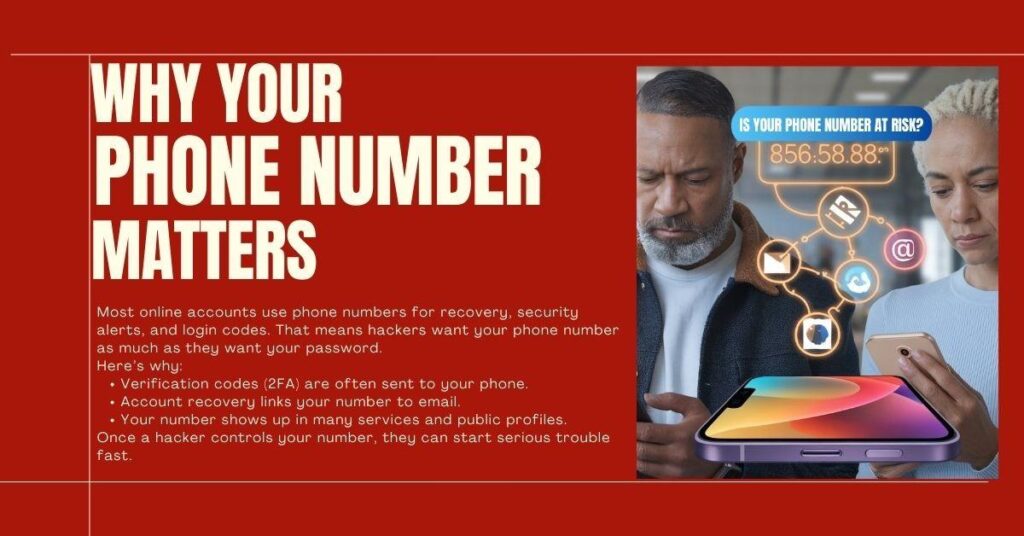
Most online accounts use phone numbers for recovery, security alerts, and login codes. That means hackers want your phone number as much as they want your password. (Security.org)
Here’s why:
- Verification codes (2FA) are often sent to your phone.
- Account recovery links your number to email.
- Your number shows up in many services and public profiles.
Once a hacker controls your number, they can start serious trouble fast. (aura.com)
Our Most Readable Article: WhatsApp Multi-Account Setup: Personal + Work
The Top Phone Number Threats in 2025
Let’s break down the most common attacks that put your phone number at risk.
1. SIM Swapping — The Silent Theft

Imagine someone calls your mobile company and says they are you. If they trick the representative, your phone number is moved to their SIM card. That means all calls and SMS go to the hacker instead of you. (Wikipedia)
Real Risk:
Hackers use this to intercept codes and reset passwords for your banking, email, and social accounts. (aura.com)
2. SMS Phishing & Scams
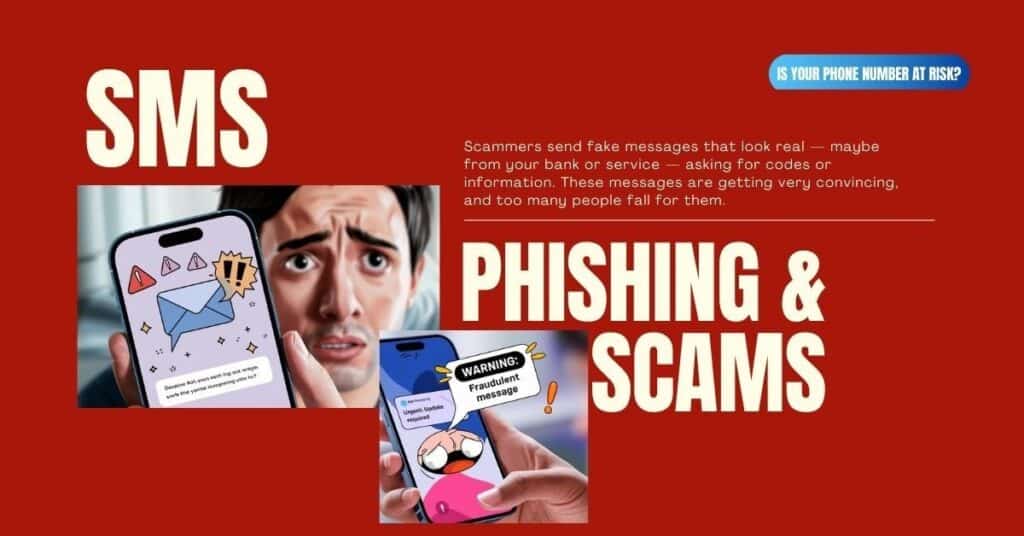
Scammers send fake messages that look real — maybe from your bank or service — asking for codes or information. These messages are getting very convincing, and too many people fall for them. (tencentcloud.com)
3. Network Vulnerabilities (SS7)
The global phone system has weak spots — known as SS7 flaws. Hackers can exploit these to intercept text messages even without controlling your SIM card. (SMS Verifier)
4. Data Exposure & Information Scraping
Even if you don’t share your number publicly, it may still spread across databases, marketing lists, or old leaks. Scammers can use this information to attack you. (Security.org)
Real-Life Phone Number Hacking Stories
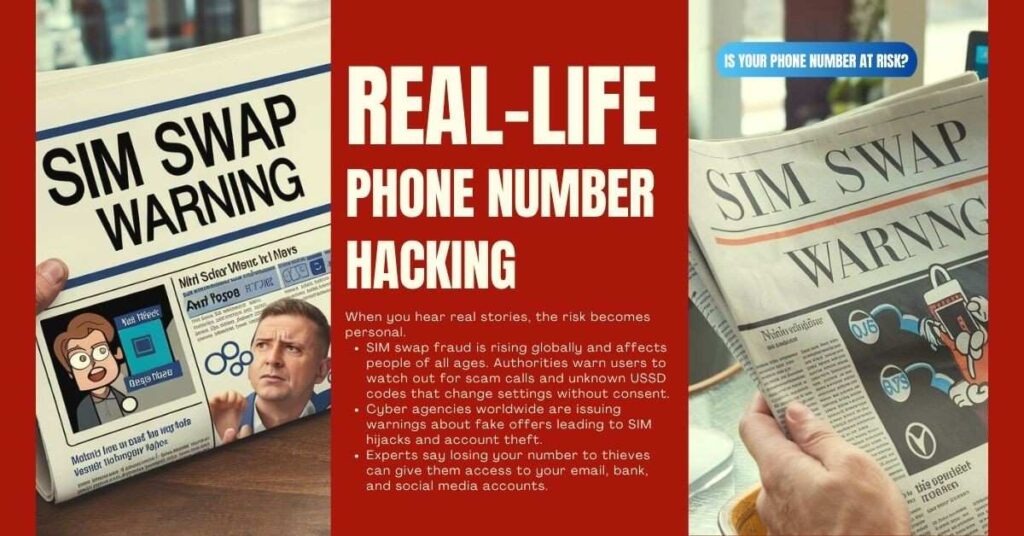
When you hear real stories, the risk becomes personal.
- SIM swap fraud is rising globally and affects people of all ages. Authorities warn users to watch out for scam calls and unknown USSD codes that change settings without consent. (The Times of India)
- Cyber agencies worldwide are issuing warnings about fake offers leading to SIM hijacks and account theft. (The Times of India)
- Experts say losing your number to thieves can give them access to your email, bank, and social media accounts. (The Guardian)
Ask ChatGPT for help – 9 Ways How to Use ChatGPT for Blogging: Ultimate Use for 2026
How Hackers Use Your Phone Number
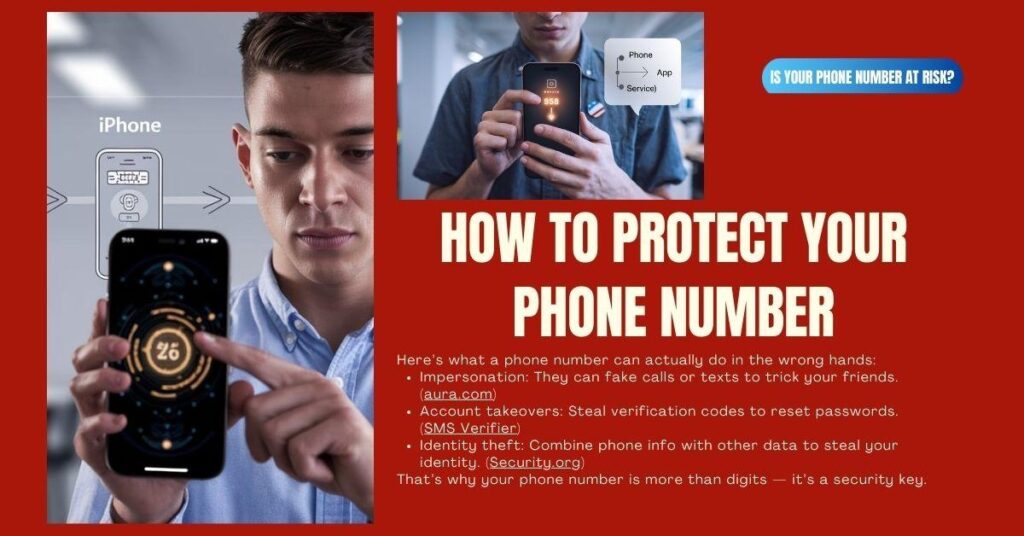
Here’s what a phone number can actually do in the wrong hands:
- Impersonation: They can fake calls or texts to trick your friends. (aura.com)
- Account takeovers: Steal verification codes to reset passwords. (SMS Verifier)
- Identity theft: Combine phone info with other data to steal your identity. (Security.org)
That’s why your phone number is more than digits — it’s a security key.
5 Best Protection Methods — Pros & Cons
Here are the main “games” you can choose to play to defend your digital life. Each has good and weak points.
1. Authenticator Apps (Google Authenticator, Microsoft Authenticator)
These apps generate codes on your phone — not by SMS.
Pros:
- Codes stay on your device.
- Not tied to your phone number — safer from SIM attacks. (Batten Cyber)
Cons:
- You need access to your phone app — if you lose it, recovery may be more work.
Best for: Email, social media, cloud accounts.
2. Hardware Security Keys (USB/NFC Keys)
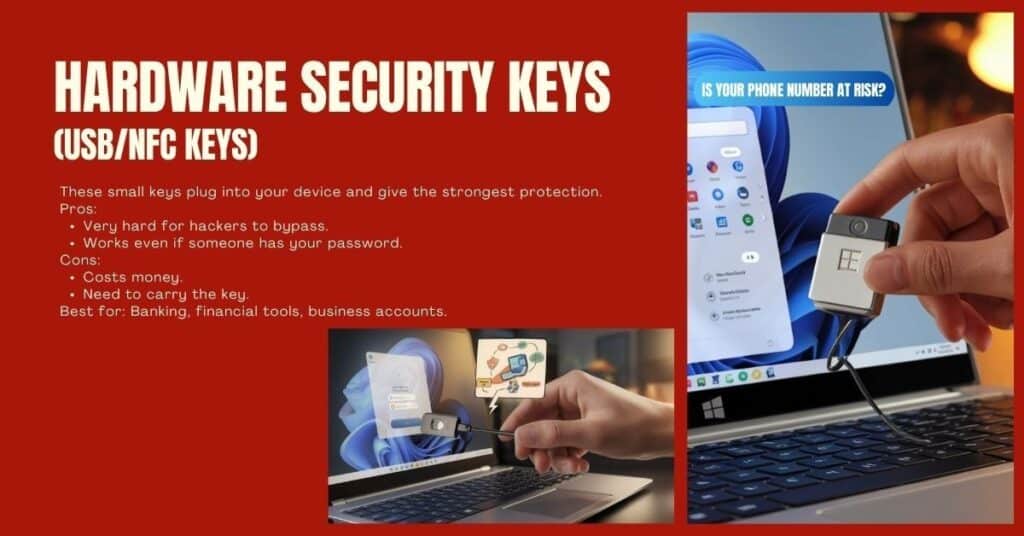
These small keys plug into your device and give the strongest protection.
Pros:
- Very hard for hackers to bypass.
- Works even if someone has your password.
Cons:
- Costs money.
- Need to carry the key.
Best for: Banking, financial tools, business accounts.
3. SMS 2FA as Backup Only
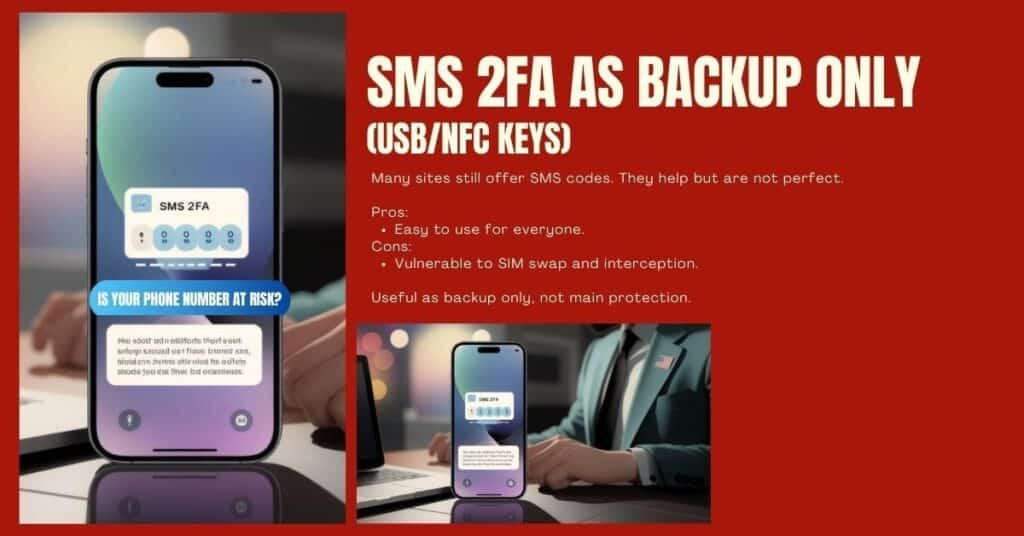
Many sites still offer SMS codes. They help but are not perfect.
Pros:
- Easy to use for everyone.
Cons:
- Vulnerable to SIM swap and interception. (SMS Verifier)
Useful as backup only, not main protection.
4. SIM PIN or Carrier Locks
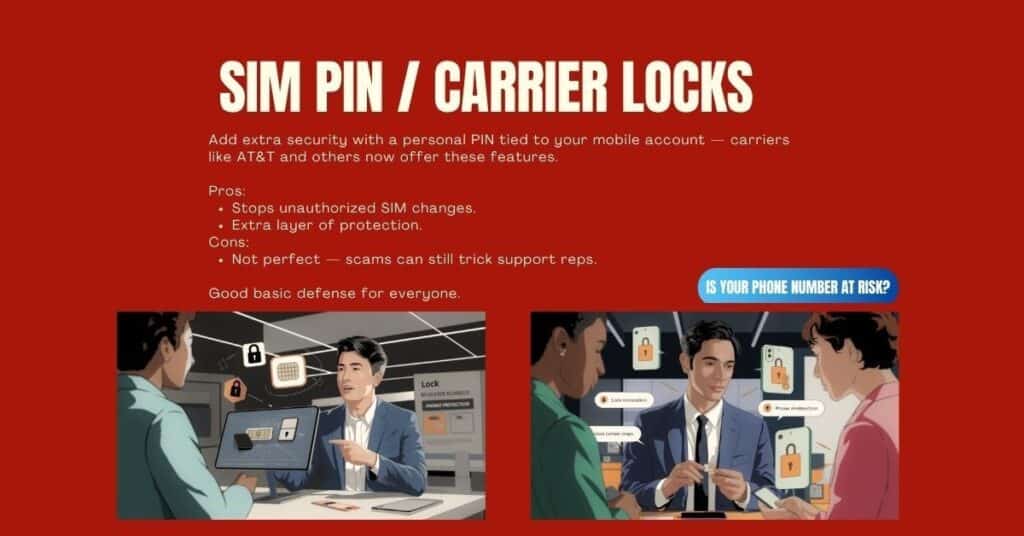
Add extra security with a personal PIN tied to your mobile account — carriers like AT&T and others now offer these features. (The Verge)
Pros:
- Stops unauthorized SIM changes.
- Extra layer of protection.
Cons:
- Not perfect — scams can still trick support reps.
Good basic defense for everyone.
5. Virtual or Secondary Phone Numbers
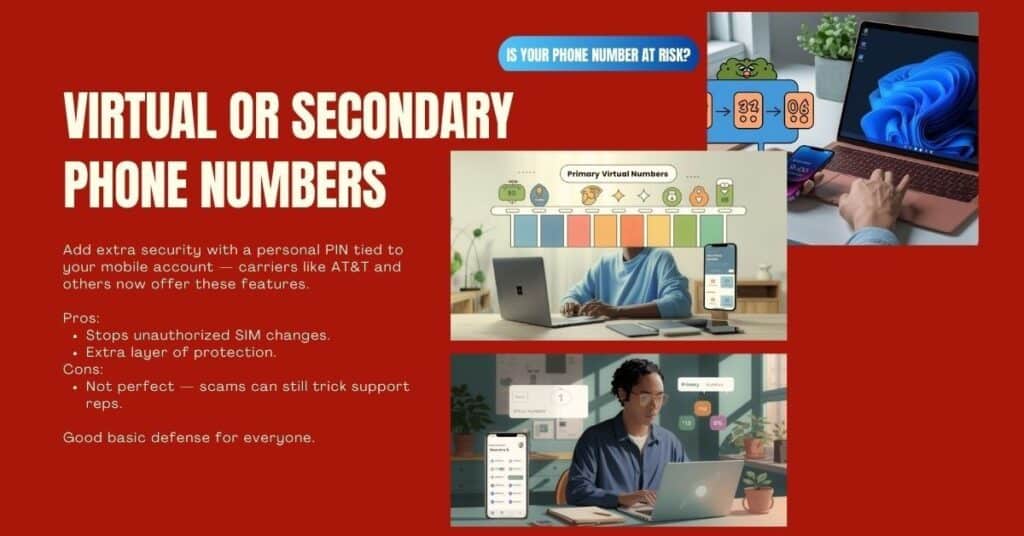
Use a separate number for online logins and keep your real number private.
Pros:
- Your main number stays private.
- Hackers don’t touch your primary security.
Cons:
- Not all services accept virtual numbers.
- You must manage multiple numbers.
Great for social apps and low-risk services.
Quick Tips On Phone Number at Risk? (You Must Do Today)
- Don’t reply to suspicious messages. (Calilio)
- Set a SIM PIN with your carrier. (Calilio)
- Use authenticator apps or keys instead of SMS. (Batten Cyber)
- Review which accounts have your phone number. (Calilio)
- Enable carrier account locks where possible. (The Verge)
Phone Number at Risk? Common Questions
Q: Can someone hack me just from my phone number?
A: Not by itself — but it can be a gateway into your accounts if other protections are weak. (Security.org)
Q: Should I post my number publicly?
A: No — keep it private to reduce scam risk. (Security.org)
Q: Are virtual numbers safer?
A: They add privacy but must be combined with other security steps. (Calilio)
Phone Number at Risk? Final Thoughts
Your phone number is no longer just a way to talk or text. In 2025, it is a key part of your online identity — and that makes it valuable to hackers.
But the good news is this:
You can protect yourself easily with the right steps. The smarter and safer you become, the less risk you carry. Stay alert. Stay safe.